When a long-time AP employee retires, most organizations post the job. West Kentucky didn’t need to. Its AP team absorbed the retirement without a replacement hire.
The numbers are worth a close look. The more useful part for other finance teams is what made them possible, and how to tell whether your own AP process has the same room to improve.
This AP automation case study looks at how West Kentucky cut invoice processing time from 10 days to 4, saved $100,000 a year, and freed up 1,000 staff hours annually. It did all of that while keeping its existing CSA system in place.
What Results Did West Kentucky Get From AP Automation?
Mosaic provides AP automation, document management, and ERP integration for organizations with document-heavy workflows. In this accounts payable automation case study, West Kentucky saw results in six areas:
| Measure | Result |
|---|---|
| Invoice processing time | 10 days to 4 days |
| Approval cycle time | 67% faster |
| Annual savings | About $100,000, including roughly $50,000 from reduced paper, storage, and retiring a legacy system |
| Staff time saved | About 1,000 hours per year |
| Staffing | Accounting ran with a smaller team after a retirement |
| Core system | Integrated with existing CSA billing and accounting software; replaced a legacy document system that cost $25,000 a year |
Going from 10 days to 4 is a 60% reduction in processing time. For a finance team, that changes how suppliers get paid, how much cash planning is possible, and how much work lands on each person. Read the full West Kentucky case study for more on the project.
Why Does a 10-Day Invoice Cycle Matter?
A 10-day invoice cycle means suppliers wait longer to get paid, discounts expire before anyone can act on them, and finance has less control over cash. It also means more of the team’s week goes to moving paper instead of reviewing it.
Early-payment terms show the cost clearly. Under common terms such as 2/10 net 30, a supplier offers a 2% discount if you pay within 10 days (see the Association for Financial Professionals glossary entry on accounts payable). A 10-day processing cycle uses up that whole window before the payment is even scheduled.
Slow payment also wears on supplier relationships. Vendors start calling to ask about open invoices, and some tighten terms or put accounts on credit hold.
Where do the 10 days go?
Long cycles rarely come from people working slowly. In most paper-based AP departments, the time goes to steps like these:
- Invoices waiting in a stack to be keyed into the system
- Approvals sitting on a desk while the approver is out or busy
- Mismatches that need a phone call or email to resolve
- Paper moving between offices, buildings, or locations
None of these steps take long on their own. Together, and repeated across every invoice, they add up to days. Utilities face added pressure on top of this, including compliance requirements and disaster recovery risk for paper records. We cover both in Benefits of Going Paperless for Utility and Energy Companies. For a closer look at where invoices typically stall, see Eliminating AP Bottlenecks.
What Changed When West Kentucky Automated AP?
West Kentucky Rural Electric Cooperative serves more than 32,000 members. Before automation, its AP team was inundated with paper invoices, and purchase requisitions moved on paper from desk to desk for approval.
Mosaic implemented DocStar with intelligent data capture for emailed invoices, electronic purchase requisition forms with rule-based approval routing, and remote access for staff. The new workflow connects to CSA, the cooperative’s existing billing and accounting software, and replaced a legacy document system that cost $25,000 a year to maintain.
Invoice processing dropped from 10 days to 4, and approval cycle times fell 67%.
It kept its existing system
Replacing core software is expensive and disruptive, and many organizations assume it’s the price of automation. West Kentucky kept CSA, its core billing and accounting software, and added automation around it. The only thing it replaced was the outdated document system. Our guide on how AP automation integrates with your ERP explains how this kind of setup works.
Invoices stopped moving on paper
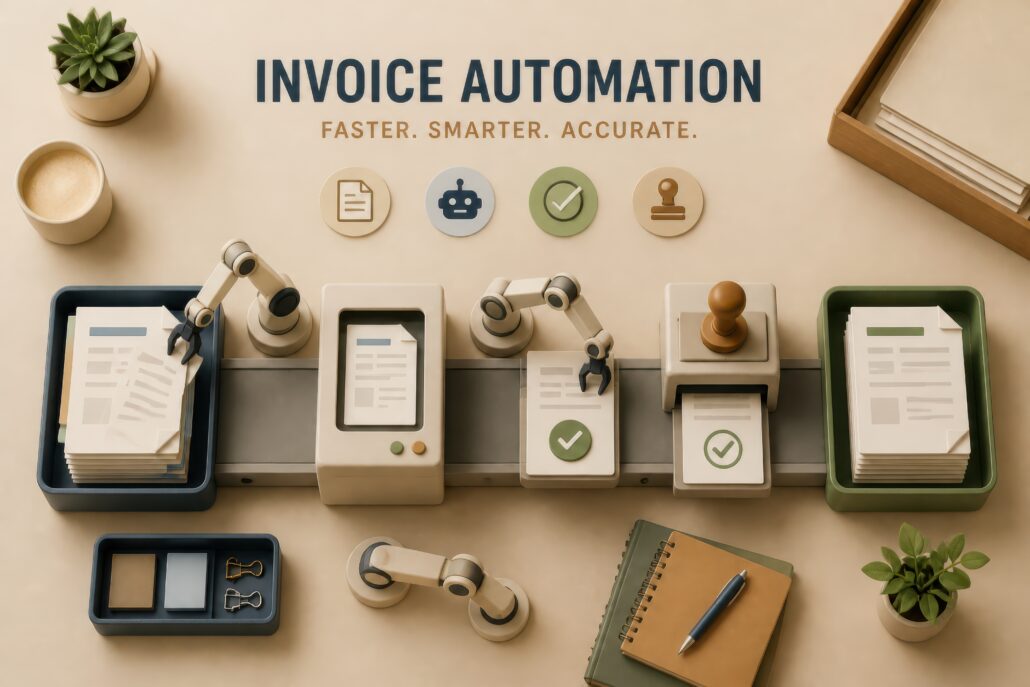
With AP automation, invoices are captured digitally, data is pulled from each one instead of typed in, and approvals are routed to the right person automatically. Invoices that need attention are flagged instead of waiting in a pile.
It also means finance can see where each invoice stands without walking the building or sending a round of emails asking who has it. That kind of visibility is a big part of why cloud-based AP automation has become the norm.
Time moved to higher-value work
Every step that no longer needs manual handling gives time back to the team. At West Kentucky, that came to 1,000 hours a year, time a team can put toward review, vendor questions, and month-end work instead of data entry.
How Did West Kentucky Handle a Retirement Without Replacing the Role?
West Kentucky absorbed a retirement in its AP team without hiring a replacement, because the remaining team could handle the workload with automation in place.
Why this matters for small finance teams
On a small team, one departure can create a crisis. Work piles up, the people who remain cover two jobs, and the organization has to recruit and train a replacement while invoices keep arriving.
Automation reduces that risk. When fewer steps depend on manual effort, a smaller team can handle the same volume. Process knowledge also lives in the workflow instead of in one person’s head, so a retirement doesn’t take years of know-how out the door with it.
Automation doesn’t have to mean cutting jobs. For West Kentucky, it meant a retirement could happen without a scramble to backfill the role.
If your team is small and the volume keeps growing, our post on how to process high invoice volumes with a small staff goes deeper on this.
What Can Other Organizations Learn From West Kentucky?
The most useful lessons here have to do with approach rather than software features. Here’s what other finance teams can apply.
Measure your starting point first
West Kentucky’s results are clear because the before and after are clear: 10 days, then 4. You can’t show improvement without a baseline, and you can’t build a business case for your CFO without one either. Even rough numbers, such as average days to approval or hours spent on data entry each week, give you something to compare against.
You may not need to replace your core system
Keeping an existing system is often possible and usually less disruptive. If your ERP vendor says its built-in tools already cover AP, read Our ERP Has a Module for That: Why Generic Tools Fail before you decide.
Plan for staffing changes before they happen
Retirements and resignations are predictable in general, even when the timing isn’t. A process that depends on fewer manual steps gives you options when someone leaves.
Implementation matters as much as the software
In Mosaic’s experience, technology is about 20% of a successful implementation. The other 80% is mapping workflows, configuring the system, and helping people adopt the new way of working. We cover the most common pitfalls in Successful AP Automation Implementation.
Will you see the same results?
Not necessarily. Results depend on your invoice volume, how complex your approvals are, and where your process starts. An organization with low volume and simple approvals may see smaller gains. Our guide on whether paperless AP is a good fit can help you judge.
How Do You Measure Your Own AP Starting Point?
Start with five questions you should be able to answer from your current process:
- How many days does it take an invoice to go from receipt to approval?
- What does it cost to process one invoice, including staff time?
- How many staff hours go to data entry and chasing approvals each month?
- How many early-payment discounts did you miss last quarter, and how many late fees did you pay?
- What would happen to AP if one person on the team left tomorrow?
If these take days to answer, or can’t be answered at all, you’ve found a visibility gap, and it’s likely one of many. For a fuller checklist, see 50 Questions Paper Processes Can’t Answer (But Your CFO Is Asking). A process you can’t measure is hard to manage, and even harder to improve. Our post on the cost of processing invoices shows where those costs tend to hide.
What This AP Automation Case Study Means for Your Team
West Kentucky’s results came from improving a process the team could finally measure. The takeaway is simple: know your numbers, and the business case gets much easier to make.
Want to see what your numbers could look like? Calculate your AP automation ROI, or request an automation assessment to measure your current AP process.
This post is part of The Measurement Revolution, our series on what changes when you can finally see your AP process.
Frequently Asked Questions
How much can AP automation reduce invoice processing time?
It depends on where your process starts, but the gains can be large. West Kentucky cut processing time from 10 days to 4, a 60% reduction, after automating AP with Mosaic. Organizations with long approval chains, multiple locations, or heavy manual data entry usually have the most room to improve.
What is the ROI of AP automation?
AP automation ROI comes from lower processing cost per invoice, staff time saved, fewer late fees, and more early-payment discounts captured. The return depends on your invoice volume and current process. West Kentucky saves $100,000 a year and 1,000 staff hours annually. An ROI calculation based on your own numbers is the most reliable way to estimate yours.
Do you need to replace your accounting system to automate AP?
Usually not. AP automation is designed to work alongside the system you already use, which stays the system of record. West Kentucky kept its existing CSA system and still cut processing time from 10 days to 4. Confirm that any vendor has a proven integration with your specific system before you commit.
Can AP automation help a small team handle a retirement or resignation?
Yes. When fewer steps depend on manual work, a smaller team can handle the same invoice volume, and process knowledge lives in the workflow instead of with one person. West Kentucky absorbed a retirement in its AP team without hiring a replacement.
How do you measure AP performance before automating?
Track a few core numbers: days from invoice receipt to approval, cost per invoice including staff time, monthly hours spent on data entry and approvals, the share of invoices with exceptions, and early-payment discounts captured versus missed. These give you a baseline to compare against after automation and the figures you need for a business case.